Pak Club OTP Not Received? Causes and Solutions
- Pak Club Editorial Team
- 4 min read
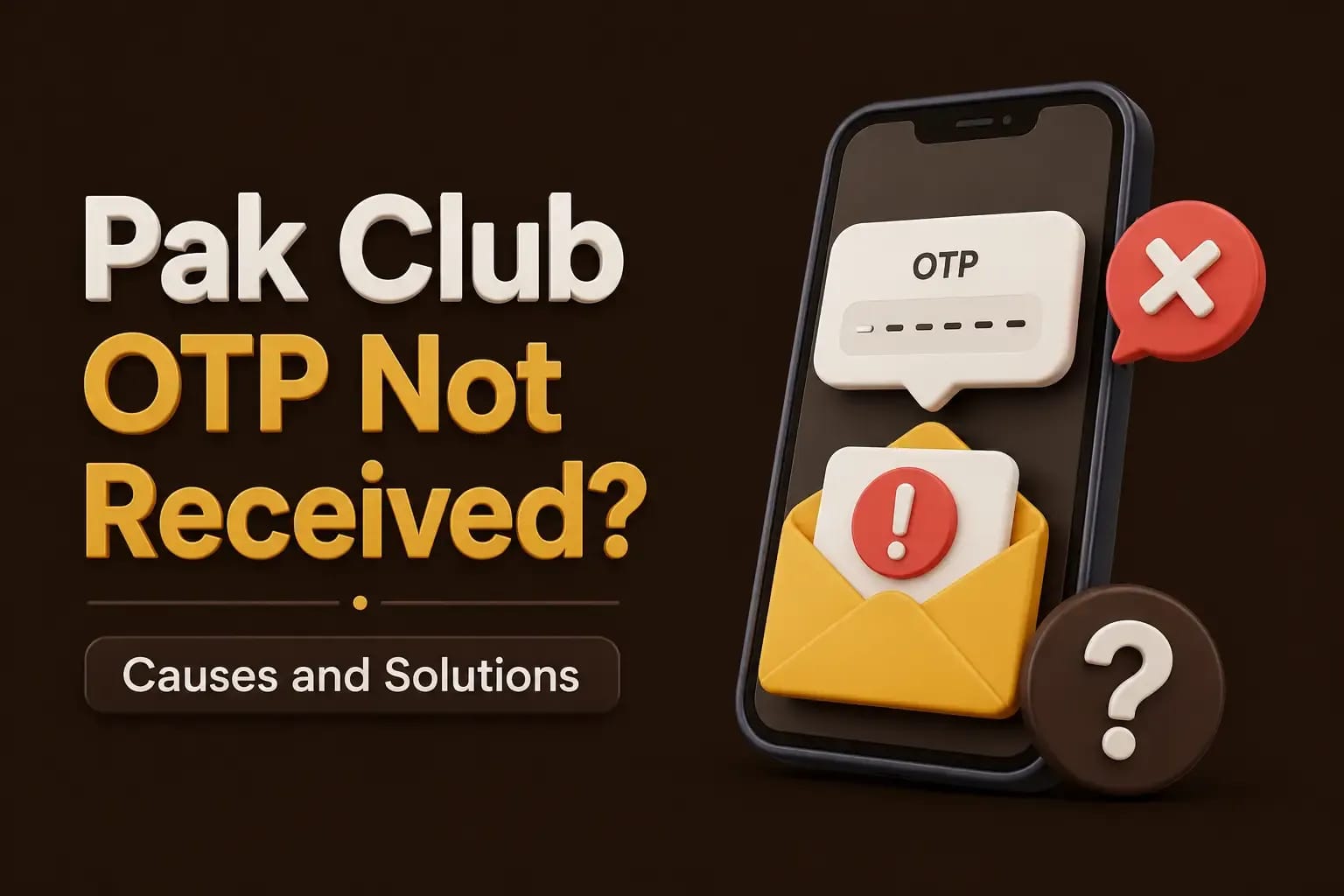
Pak Club OTP not received is a common registration and login problem. The code may be delayed because of weak mobile signals, an incorrect phone number, repeated requests, or a temporary platform issue. The troubleshooting guides collect the related account errors.
An OTP is a one-time security code. It may be used to confirm registration, login, password recovery, payments, or account changes. Pak Club verification checks explain why it must never be shared.
Check the Mobile Number
Start by checking the number entered on the registration or login page.
Look for:
- Missing digits
- An extra zero
- Incorrect country code
- Wrong SIM number
- Spaces or unsupported characters
For Pakistan-based numbers, the form may require either a local format or an international format. Follow the example displayed on the current screen.
Repeatedly requesting codes for the wrong number will not solve the issue.
Wait Before Requesting Another OTP
OTP messages are not always instant. Mobile-network congestion or platform delays can affect delivery.
Wait briefly before selecting “Resend OTP.”
Requesting several codes within a short period may:
- Invalidate older codes
- Trigger a temporary restriction
- Delay future messages
- Lock the verification process
When multiple codes arrive, use the newest valid code.
Check Your Mobile Signal
A weak network can delay SMS delivery.
Try:
- Moving to an area with a stronger signal.
- Turning airplane mode on and off.
- Restarting the phone.
- Checking whether regular SMS messages can be received.
- Confirming that the SIM is active.
Wi-Fi strength does not guarantee that an SMS OTP will arrive. OTP delivery normally depends on the mobile network.
Check the SMS Inbox
The message may arrive but become difficult to find.
Review:
- Main SMS inbox
- Spam folder
- Blocked messages
- Archived messages
- Business-message category
- Recently deleted messages
Some phones automatically filter messages sent from short codes or unfamiliar senders.
Temporarily review the SMS-filtering settings, but do not install random message apps to receive an OTP. The hack APK warning explains what those apps often ask for.
Make Space in the SMS Inbox
Older phones and some messaging apps may stop receiving messages when storage is full.
Delete unnecessary messages and restart the device. Also check whether the phone’s general storage is almost full.
Low storage can affect message delivery, app performance, and login screens.
Confirm the Correct SIM Is Active
Dual-SIM phones can cause confusion when an account is registered with one number but another SIM is currently active.
Check:
- Which SIM contains the registered number
- Whether that SIM has network service
- Whether it is set to receive messages
- Whether the number has recently been ported
- Whether the SIM has expired or been replaced
A lost or inactive SIM may require formal account recovery.
The OTP May Be Delayed by Repeated Attempts
Too many requests can trigger rate limiting. This is a security measure designed to prevent automated attacks.
Stop requesting new codes for a period and try later through the same verified app or website. Where a payment is waiting on that code, the deposit payment steps set out the order of events.
Do not switch between several websites claiming to offer Pak Club access. Entering your phone number on copied pages can expose the account to phishing.
The App or Website May Be Outdated
An old APK may send OTP requests to an inactive system or show an outdated login form. The APK download steps cover updating to the current build.
Check whether:
- The app requires an update
- The current domain has changed
- The login screen loads correctly
- The date and time on the phone are accurate
- The platform reports maintenance
Download updates only from the source you have independently verified.
A pop-up stating “update required” is not proof that the linked file is genuine.
VPN or Network Settings May Interfere
A VPN can make a login appear to come from an unfamiliar location. This may trigger additional checks or block the verification request.
Try disabling the VPN temporarily and repeat the request through a normal mobile or home connection.
Also check:
- Private DNS
- Ad-blocking applications
- Firewall settings
- Data-saving mode
- Background-data restrictions
Do not disable security tools permanently.
The Number May Already Be Registered
During sign-up, the platform may reject or delay an OTP if the number is connected to an existing account.
Try the password-recovery option instead of creating a second account.
Multiple accounts can cause:
- Bonus cancellation
- Account restrictions
- Identity-verification problems
- Withdrawal delays
Use the original account whenever possible.
OTP Not Received During Withdrawal
A withdrawal OTP deserves additional caution.
Before retrying:
- Confirm the withdrawal amount.
- Check the payment details.
- Confirm the registered number.
- Review the withdrawal-history status.
- Make sure no one else has access to the account.
Never give the OTP to an agent who says it is needed to “approve” or “release” the withdrawal. The code should be entered only inside the verified platform.
What to Send to Customer Support
When the problem continues, prepare:
- Account ID
- Registered phone number with some digits hidden
- Date and time of the request
- Screenshot of the error
- Phone model
- Android or iOS version
- App or browser version
Do not send:
- Password
- OTP
- Wallet PIN
- Complete bank details
- Full identity documents through an unverified chat
OTP Scam Warning
A scammer may contact a user after an OTP request and claim to be:
- Customer support
- A payment agent
- A bonus manager
- A withdrawal officer
- An account-verification employee
The scammer may already know the phone number or account name. That does not prove legitimacy.
Never share the code. An OTP may authorize a login, password reset, payment, or account takeover.
Conclusion
When a Pak Club OTP is not received, check the number, SIM, signal, SMS filters, and recent requests before trying again. Use only the verified login or registration page.
Protect every OTP as carefully as a password. For more help, read the Pak Club registration guide or Pak Club login guide.
Frequently Asked Questions
Mobile-network congestion, a wrong number, repeated requests, SMS filtering, or platform maintenance may cause a delay.
No. A legitimate support process should not require you to send a one-time code through chat or phone.
Use the newest code that is still valid. Older codes may have been cancelled.
A different number creates a different account and may cause duplicate-account problems. Recover the original account first.
The code may have a short validity period or may have been replaced by a newer request.