
Skip to content
Pak Club
Android Download

Pak Club APK Download Guide

Pak Club APK download searches usually come from Android users who cannot find the platform through a standard app store. An APK can install an app directly, but it also carries additional security risks. Pak Club on iPhone and iPad works differently, because iOS does not accept APK files at all.

The current APK version, file size, package name, and Android requirement should be verified from the actual file. Do not rely on numbers copied from old or unrelated websites.

Pak Club APK download guide shown on an Android phone
  • Android APK

    Platform

  • Not Confirmed

    Play Store

  • PKR Supported

    Currency

  • Aug 2026

    Reviewed

First checks

Before You Download the Pak Club APK

Check the following information first:

  • Website domain
  • APK file name
  • Version number
  • File size
  • Package name
  • Last update date
  • Android requirement
  • Developer or publisher name
  • Requested permissions
  • File checksum, where provided

Conflicting details are a warning sign. If two pages provide different versions or file sizes, do not guess which one is correct.

Download

How to Download Pak Club APK

Steps for downloading the Pak Club APK from a verified source
  1. Step 1: Check the Website Address

    Read the domain character by character. Fake websites often use an extra letter, missing letter, hyphen, or unusual extension.

    Avoid opening download links from random Telegram groups, WhatsApp messages, social media comments, or pop-up advertisements.

  2. Step 2: Open the Download Section

    Use the download button only after checking the page identity. A button labelled “official” does not prove that the website belongs to the platform operator.

  3. Step 3: Review the File Information

    Compare the website information with the downloaded file.

    If the website lists a different file name, version, or size, delete the file and investigate before installing it.

  4. Step 4: Download the APK

    Keep the browser open until the download completes. An incomplete file may produce a package parsing or installation error. Where that happens, fixes for APK install errors are set out separately.

  5. Step 5: Scan the File

    Use the phone’s built-in security scan. Advanced users may also compare the file checksum with a checksum published by a verified source.

    A security scan reduces risk but does not guarantee that the app is trustworthy.

Install

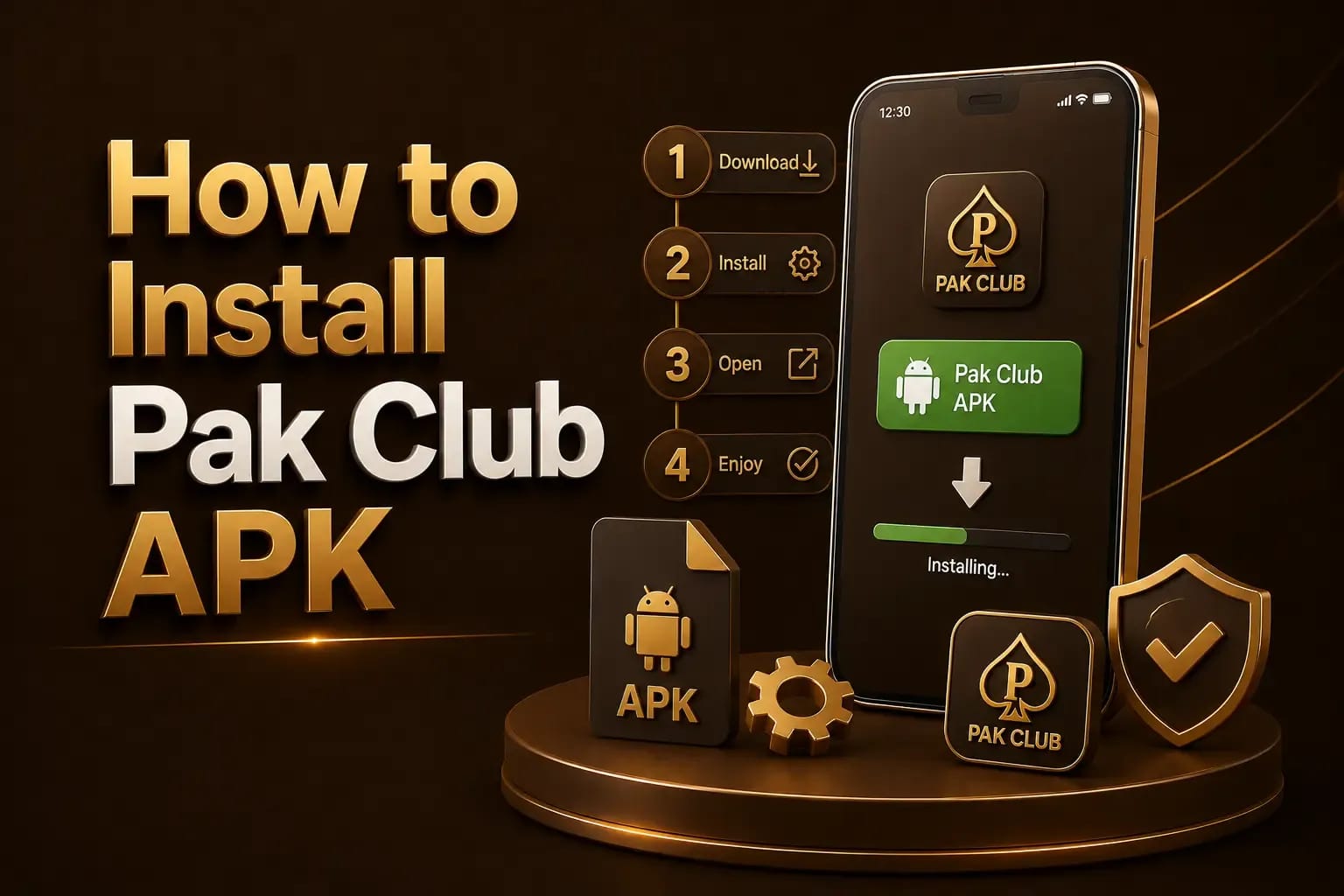
How to Install Pak Club APK

Android install permission screen shown while installing the Pak Club APK
  1. Open Android Settings.

  2. Find the security or app-installation section.

  3. Allow the selected browser or file manager to install unknown apps.

  4. Open the downloaded APK.

  5. Review the app name and requested permissions.

  6. Tap Install.

  7. Open the app after installation.

  8. Disable unknown-app installation permission again.

The wording of these settings differs between Samsung, Xiaomi, Oppo, Vivo, Realme, Infinix, Tecno, and other Android devices.

Permissions

Permissions to Review

Be careful when a gaming APK requests access to:

  • Access requests to question

    • Contacts
    • SMS messages
    • Call history
    • Accessibility services
    • Device administrator controls
    • Microphone
    • Camera
    • Storage
    • Location

Some permissions may support legitimate features, but they should have a clear purpose. Accessibility and device-administrator access require particular caution.

Updates

How to Update Pak Club

Do not install an update only because a pop-up claims that it is required.

Before updating:

  • Confirm that the update comes from the same verified source.
  • Compare the package name.
  • Review the new version number.
  • Read any available change notes.
  • Keep your account password and recovery information secure.
  • Avoid uninstalling the old app until account access is confirmed.

A fake update can replace the original app with a credential-stealing copy. Verifying Pak Club before using it is what prevents that.

Troubleshooting

Common Pak Club Download Problems

APK Does Not Download

Possible causes include:

  • Weak internet connection
  • Browser restrictions
  • Insufficient storage
  • Broken download link
  • Security software blocking the file

Try another stable connection and check available storage. Do not use a suspicious mirror merely because the main link fails.

App Is Not Installed

This may happen because:

  • The APK is incomplete
  • The Android version is unsupported
  • Another package with a conflicting signature is installed
  • The file is damaged
  • Security settings block the installation

Package Parsing Error

Delete the current file and download it again from the verified source. Never rename a damaged file to force installation.

App Opens and Closes

Clear the app cache, restart the phone, and check the operating-system requirement. Avoid installing random older versions unless their source and security can be verified. The troubleshooting guides collect the other error messages Android shows.

Warning

Fake Pak Club APK Warning

A modified APK may promise:

  • Claims that are not credible

    • Unlimited balance
    • Guaranteed wins
    • Free withdrawals
    • Bypassed verification
    • Premium access
    • No-deposit earnings

These claims are not credible. Game balances are normally controlled by a server, not only by the application installed on the phone.

A fake APK may steal passwords, OTP messages, payment details, contacts, or personal files. This is why modified Pak Club APK files are risky, even when they are offered as an upgrade.

Checklist

Download Safety Checklist

Before installation, confirm that:

  • Confirm before you install

    • The domain is correct
    • HTTPS is active
    • The file details are consistent
    • No unexpected redirect occurred
    • The APK passed a security scan
    • Permissions match the app’s purpose
    • Support and privacy pages exist
    • The app does not request your payment PIN or OTP
Answers

Frequently Asked Questions

  • A download may be offered without an installation charge, but gameplay, deposits, mobile data, and other platform activities may involve costs.

  • Check Google Play directly. Do not rely on a third-party claim that the app is or is not listed there.

  • Android blocks unknown applications to reduce security risks. Review the source carefully before temporarily changing the installation permission.

  • Compatibility depends on the app’s requirements, processor, available storage, Android version, and security settings.

  • Only when the source, package identity, and security can be verified. Older versions may contain security or compatibility problems.

Conclusion

The Pak Club APK download process should begin with verification, not installation. Check the domain, file identity, permissions, and security results before opening the file. The account registration steps follow once the app is installed.

Pak Club APK file details being verified before installation