What a real listing shows
- Developer name
- App description
- Version history
- Privacy information
- Age rating
- User reviews
- Support link
- Website link

Pak Club for iOS is searched by iPhone and iPad users who want to know whether the platform has a native application or can be accessed through Safari.
A native iOS app should not be claimed unless there is an active and verifiable Apple App Store listing. Browser access, a home-screen shortcut, and an installed application are not the same thing. The same distinction applies when using Pak Club on a computer.
Android APK
Platform
Not Confirmed
Play Store
PKR Supported
Currency
Aug 2026
Reviewed
Open the Apple App Store and search for the platform name.
Review:
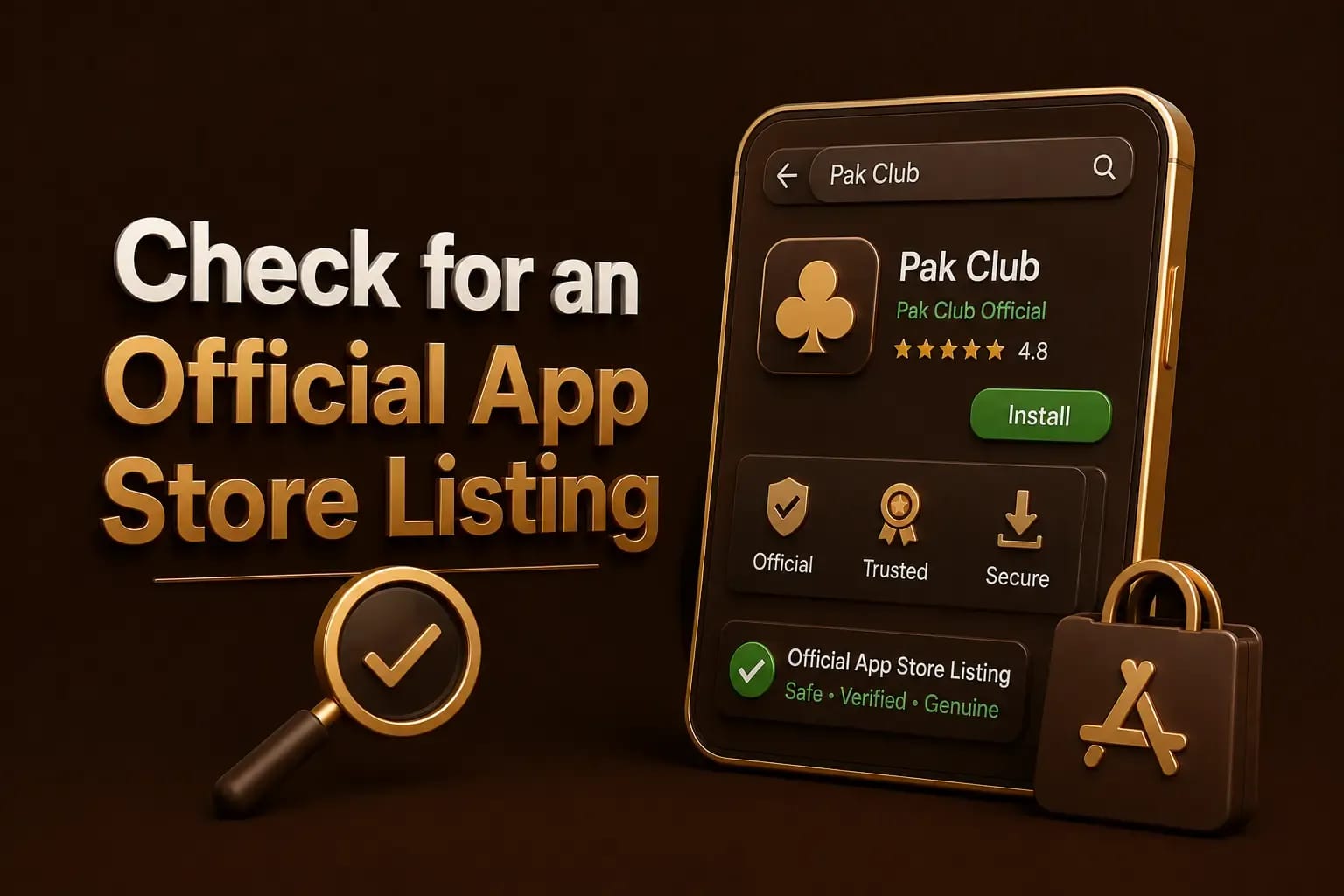
A screenshot of an App Store badge on another website does not prove that the application is available.
Where browser access is supported:
Safari access does not require an APK. APK files are designed for Android and cannot be installed on an iPhone. The APK download steps apply to Android devices only.
A browser shortcut may be added through Safari:
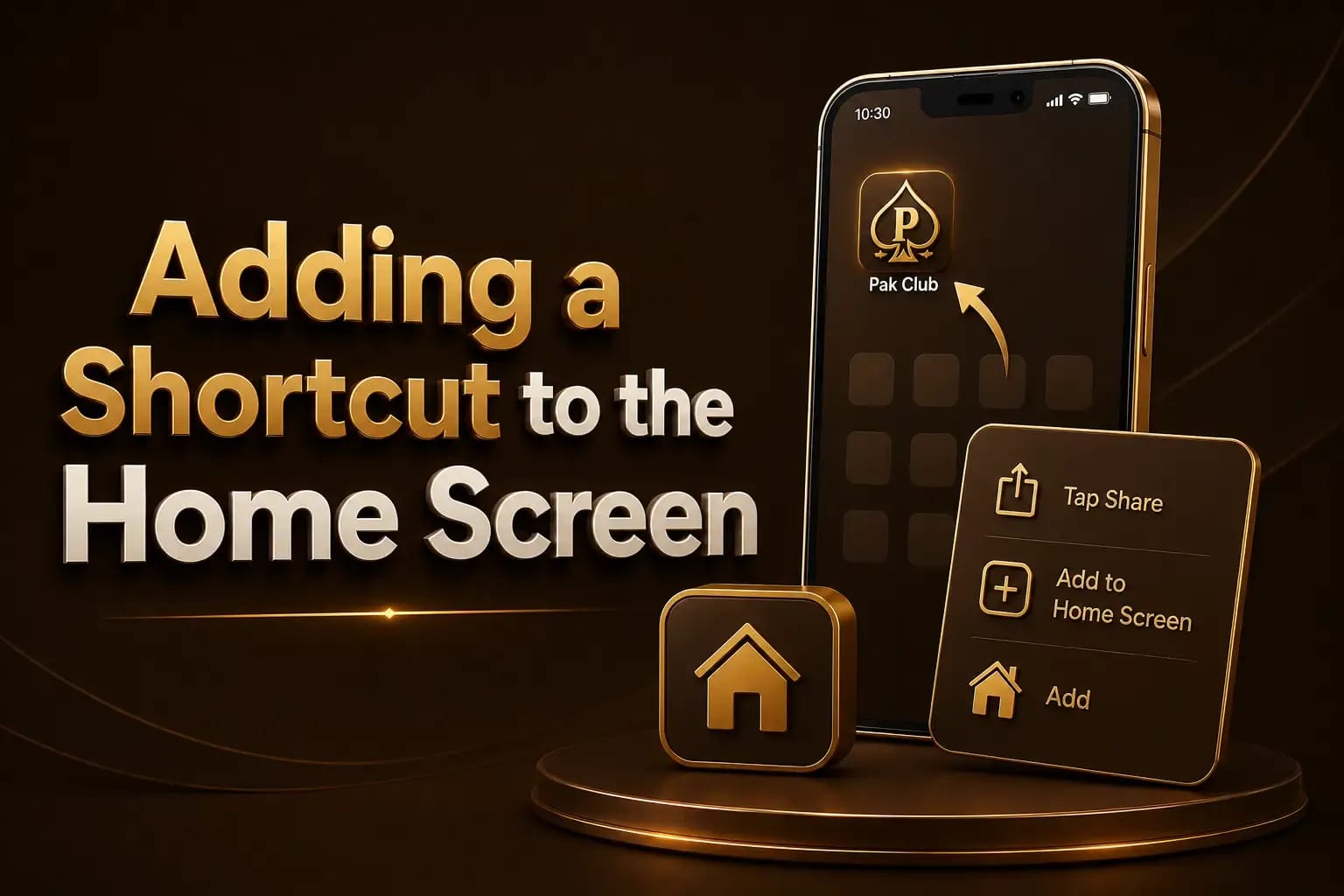
This creates a shortcut. It does not install a native iOS application. The account registration steps still have to be completed inside the platform itself.
Some websites may ask iPhone users to install:
These methods can provide extensive control over the device or expose personal data.
Do not install an unknown profile merely to access a gaming platform.
Browser performance may depend on:
Older devices may experience slower loading or layout problems.
Check the internet connection, website address, browser restrictions, and any active VPN.
Clear Safari website data for the relevant domain and try again. Make sure cookies and JavaScript are not blocked.
Open the platform directly in Safari rather than inside another app’s built-in browser.
Disable content blockers temporarily only after confirming the domain. Never enter payment details on an unexpected redirected page.
A native app should be treated as verified only when an active App Store listing can be confirmed.
No. APK files are Android application packages.
Browser access may be possible when supported by the current platform.
No. It is a shortcut that opens the website through Safari.
Avoid unknown enterprise certificates and configuration profiles unless their ownership and purpose can be independently verified.
Pak Club for iOS may be available through a browser, but a native iPhone app should not be assumed without a genuine App Store listing. Avoid Android APK files, unknown profiles, and unofficial installation methods. Treat any file offered outside the App Store the way you would a repackaged Android build, because why modified Pak Club APK files are risky applies equally here.