
Account access
Pak Club Login Guide
Pak Club login is used by existing account holders who want to open the dashboard, view balances, access games, or review payment activity.
Login problems are not always caused by the password. An outdated app, copied website, wrong phone number, network issue, or account restriction can also prevent access.
Android APK
Platform
Not Confirmed
Play Store
PKR Supported
Currency
Aug 2026
Reviewed
Sign in
How to Log In to Pak Club
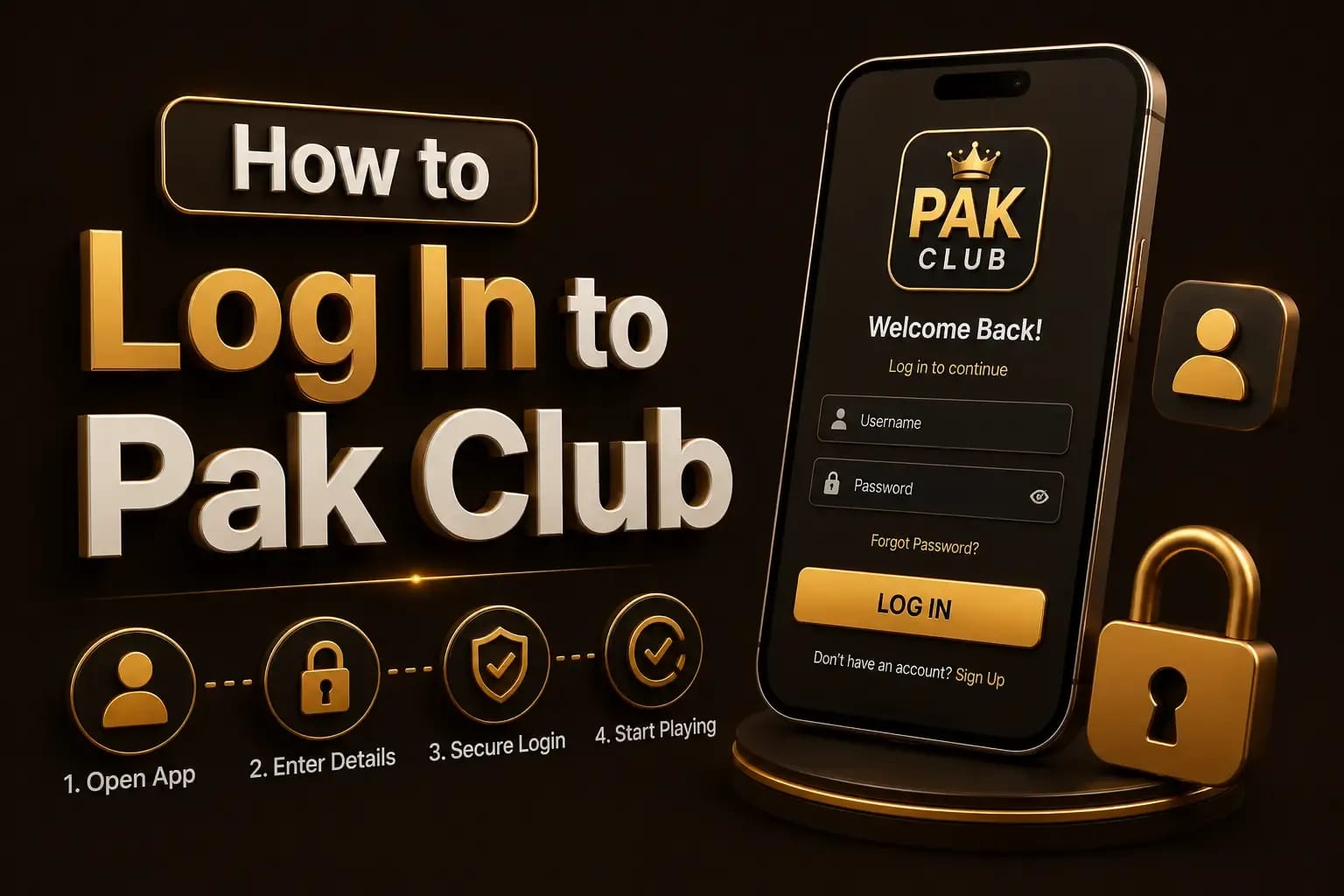
Select Login.
Enter the registered mobile number or account ID.
Enter the password.
Complete OTP verification when requested.
Confirm that the account dashboard belongs to the expected profile.
Avoid saving passwords on public or shared devices.
Phishing
Check the Website Before Logging In
Phishing pages often copy the colours, logo, and buttons of the real platform.
Before entering details, check:
Verify before you type
- Domain spelling
- HTTPS connection
- Unexpected redirects
- Pop-ups asking for OTP
- Login form design changes
- Support details
- Download source
A padlock icon only confirms that the connection is encrypted. It does not prove that the website belongs to the genuine operator.
Recovery
Forgot Pak Club Password
Use the password-recovery option displayed on the verified login page. The safety guides explain how to confirm the page is genuine before entering anything.
The process may include:
- Entering the registered number
- Receiving an OTP
- Creating a new password
- Confirming the new login
Do not pay another person to recover the account. Support should not ask for the old password or mobile-wallet PIN.
OTP
Pak Club OTP Not Received
Try these checks:
- Confirm the mobile number.
- Check the country code.
- Wait before requesting another OTP.
- Restart the phone.
- Check mobile signal.
- Confirm that the SIM can receive SMS.
- Review blocked messages.
- Remove SMS-filtering restrictions.
Too many OTP attempts may temporarily restrict new requests.
Restrictions
Pak Club Account Locked
An account may be restricted after:
Common triggers
- Repeated incorrect passwords
- Too many OTP requests
- Login from an unfamiliar device
- Suspicious payment activity
- Identity-verification review
- Multiple-account detection
- Violation of platform rules
Save the exact error message before contacting support.
SIM changes
Wrong Number or Old SIM
When the registered SIM is lost or inactive, use the official recovery process.
You may be asked to prove account ownership using transaction records, account ID, device information, or identity verification. The Pak Club registration guide notes which of those details to keep from the start.
Do not create a second account to bypass the problem, as this can complicate withdrawals and verification. The withdrawal payout steps explain the checks a payout runs through.
App issues
App Opens but Login Does Not Work
Possible causes include:
- Outdated APK
- Damaged installation
- Server interruption
- Incorrect date and time
- VPN or network conflict
- Cached login data
- Incompatible Android version
Clear the app cache before clearing all data. Clearing data may remove locally stored login information.
Security
Protect Your Account
Everyday habits
- Use a unique password.
- Do not share OTP codes.
- Avoid screen-sharing applications.
- Log out of shared devices.
- Do not store passwords in screenshots.
- Check payment details before each transaction.
- Change the password after suspicious activity.
Answers
Frequently Asked Questions
The password may be mistyped, changed, linked to another number, or entered on the wrong website.
New-device verification may be required. Keep access to the registered number and recovery details.
Change the password, log out of other sessions where possible, review payment activity, and contact verified support.
No support agent should need your one-time verification code.
Repeated failed logins, unusual activity, account review, or a platform-rule issue may trigger a restriction.
Conclusion
Use the Pak Club login page only after confirming the website or app identity. Protect the password and OTP, save error messages, and use the verified recovery process when access fails. If the code never arrives, what to do when the OTP does not arrive is covered separately.