Pak Club Deposit Successful but Balance Not Updated
- Pak Club Editorial Team
- 4 min read
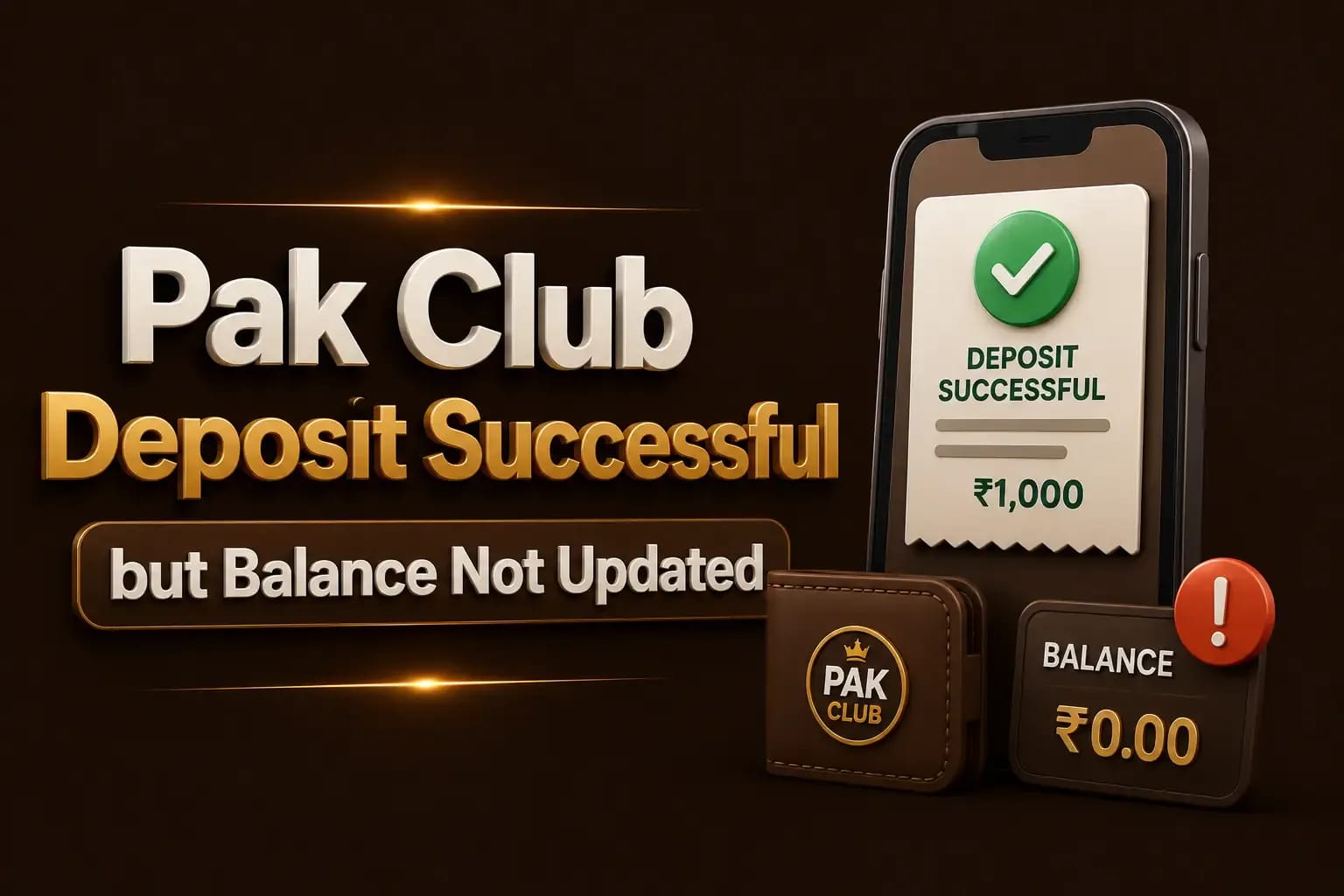
A Pak Club deposit successful but balance not updated situation can be stressful, particularly when money has already left an Easypaisa, JazzCash, bank, or other payment account.
A successful payment receipt confirms that the payment provider processed the transaction. It does not always confirm that the correct Pak Club account was credited.
Confirm the Payment Status
Open the payment application or bank account used for the deposit.
Check whether the transaction is:
- Successful
- Pending
- Reversed
- Failed
- Refunded
- Under review
A screenshot shown immediately after payment may not reflect the final status. Review the transaction history and current account balance.
If the payment is still pending with the provider, the platform may not have received it. A withdrawal marked complete with no money received follows the same pattern in reverse.
Check the Recipient Details
Compare the transaction receipt with the deposit instructions displayed inside the Pak Club account.
Review:
- Recipient number
- Account title
- Bank or wallet name
- Merchant identification
- Payment reference
- Amount
- Date and time
One incorrect digit can send money to the wrong account.
Do not reuse recipient details from an old screenshot. Deposit accounts can change, and outdated instructions may no longer be valid. The troubleshooting guides cover the other errors this produces.
Confirm the Correct Pak Club Account
Make sure the deposit was submitted for the correct user account.
Check:
- Account ID
- Registered mobile number
- Username
- Selected wallet
- Deposit-reference field
This is particularly important when several family members use the same phone or when a user has accidentally created more than one account. The account registration steps explain why one person should hold one account.
Review the Deposit History
Open the wallet or cashier section and check the deposit record.
Possible statuses include:
Pending
The request has been received but has not yet been credited.
Processing
The platform may be checking the payment details.
Completed
The platform records the balance as credited. Refresh the account and check different balance sections.
Rejected
The deposit did not meet the platform’s requirements.
No Record
The platform may not have received the reference number or deposit request.
Take screenshots of both the deposit history and current balance.
The Amount May Be Below the Minimum
Some platforms apply a minimum deposit amount. Sending less than the displayed minimum may cause a transaction to remain uncredited or require manual review.
Similarly, a deposit above the permitted limit may be delayed.
Always use the limits displayed inside the current account. Do not rely on an amount mentioned in an old article. Pak Club verification checks explain why an old figure should never be trusted.
The Reference Number May Be Missing
Certain deposit systems require the user to enter a transaction ID after completing the payment.
If the payment was made but the reference was not submitted:
- Open the deposit section.
- Check for a pending request.
- Enter the transaction ID if the option is available.
- Upload a receipt only through the verified platform.
- Save the submission confirmation.
Never send a complete payment receipt publicly. It may contain a phone number, account identifier, or transaction information.
The Account Name May Not Match
A deposit from another person’s wallet or bank account can trigger additional review.
The platform may compare:
- Registered user name
- Payment-account title
- Mobile number
- Identity information
- Previous payment history
Third-party deposits can also make refunds and ownership disputes more difficult.
Use an account in your own name whenever possible.
Payment-Provider Delays
Easypaisa, JazzCash, banks, and payment gateways can experience:
- Network congestion
- Maintenance
- Delayed confirmation
- Duplicate checks
- Security review
- Reconciliation delay
A payment may appear successful to the sender before the recipient system receives the confirmation.
Check the payment provider’s transaction details before assuming that the platform has withheld the balance.
Platform Maintenance or Technical Problems
A platform update can delay balance refresh even after the payment has been matched.
Try:
- Logging out and back in
- Refreshing the wallet
- Restarting the app
- Clearing app cache
- Checking the browser version
- Confirming the phone date and time
- Reviewing service notices
Do not uninstall the app until you have saved the account ID, login details, and payment evidence. The Pak Club login guide lists what is needed to regain access.
Bonus Balance and Cash Balance May Be Separate
Some platforms show several balances, such as:
- Main balance
- Bonus balance
- Withdrawable balance
- Game balance
- Locked promotional funds
A deposit may be credited to a section that is not immediately visible on the homepage.
Review the wallet details and promotion rules. Do not assume that a bonus balance can be withdrawn like deposited funds. The withdrawal payout steps explain which balance is actually withdrawable.
Evidence to Collect
Prepare the following before contacting support:
- Pak Club account ID
- Registered phone number
- Deposit amount
- Payment method
- Transaction ID
- Recipient details
- Date and time
- Payment receipt
- Deposit-history screenshot
- Current-balance screenshot
- Error message
Hide sensitive information that is not needed.
How to Contact Support Safely
Use the support channel listed inside the verified platform.
Explain the problem clearly:
I deposited PKR [amount] on [date and time]. The payment provider shows the transaction as successful, but my Pak Club balance has not been updated. My transaction ID is [ID], and the deposit-history status is [status].
Do not send:
- OTP
- Password
- Wallet PIN
- Debit-card PIN
- Remote-access permission
A support person should not need these details to investigate a missing balance.
Warning Signs of a Payment Scam
Be cautious when someone asks you to:
- Deposit again to activate the first payment
- Pay a verification fee
- Send money to a new personal number
- Share an OTP
- Install a screen-sharing app
- Move the conversation away from official support
- Delete the original receipt
Do not make another payment until the first transaction is resolved.
Conclusion
When a Pak Club deposit is successful but the balance is not updated, check the provider status, recipient details, account ID, reference number, and deposit history.
Save all evidence and use verified support. Read the complete Pak Club deposit guide before attempting another transaction.
Frequently Asked Questions
No. Verify the first transaction before sending additional money.
Processing depends on the payment method, verification, and platform status. Do not rely on an unverified fixed time.
Contact the payment provider immediately. The platform cannot credit money that was sent to an unrelated recipient.
The platform may display cash and bonus funds separately. Review the complete wallet.
It is useful evidence, but the final transaction status and recipient details should also be checked.